Documents
The documents section lets you manage structured documents for your site. Documents are flexible content entries that can be used for guides, datasheets, whitepapers, or any structured text content.
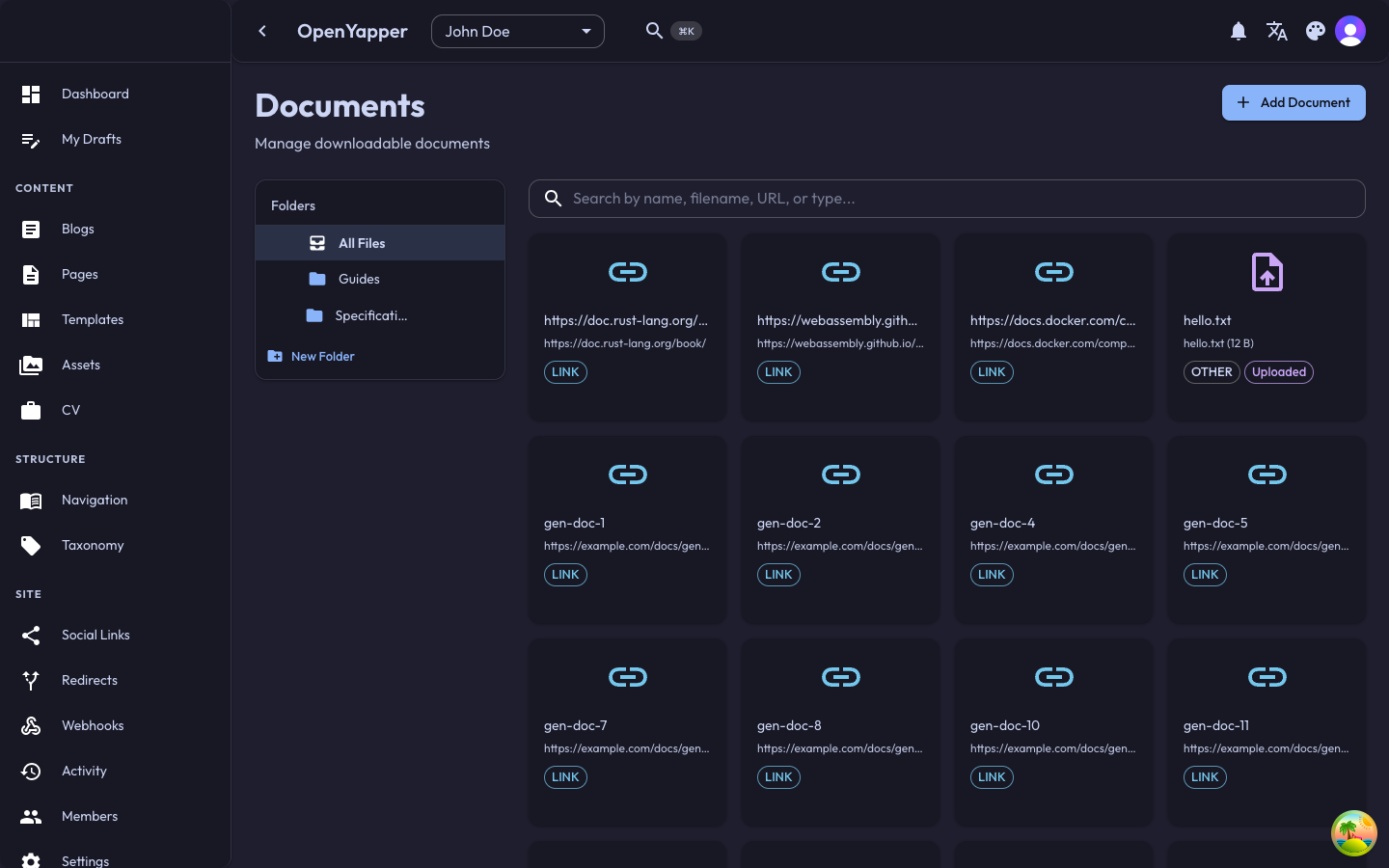
Document Listing
Navigate to Documents in the sidebar. The listing shows all documents for the currently selected site.
List View Columns
| Column | Description |
|---|---|
| Title | The document title. |
| Status | Draft or Published. |
| Created | When the document was created. |
| Updated | When the document was last modified. |
Searching
Use the search field to filter documents by title.
Creating a Document
- Click the New Document button.
- Fill in the document details:
- Title -- the document title (required).
- Content -- the document body in Markdown.
- Status -- Draft or Published.
- Click Save to create the document.
Editing a Document
- Click on a document in the listing to open the detail view.
- Modify the title, content, or status as needed.
- Click Save to apply changes.
Localizations
Documents support multilingual content:
- Open the document detail view.
- Switch to the desired locale using the locale selector.
- Enter the translated title and content.
- Save.
Deleting a Document
- Open the document or select it from the listing.
- Click Delete and confirm.
caution
Deleted documents are permanently removed and cannot be recovered.
Permissions
| Action | Required Role |
|---|---|
| View documents | Read |
| Create/edit documents | Write, Admin, Master |
| Delete documents | Write, Admin, Master |