Notifications
Forja includes an in-app notification system that keeps you informed about important events and updates within your sites.
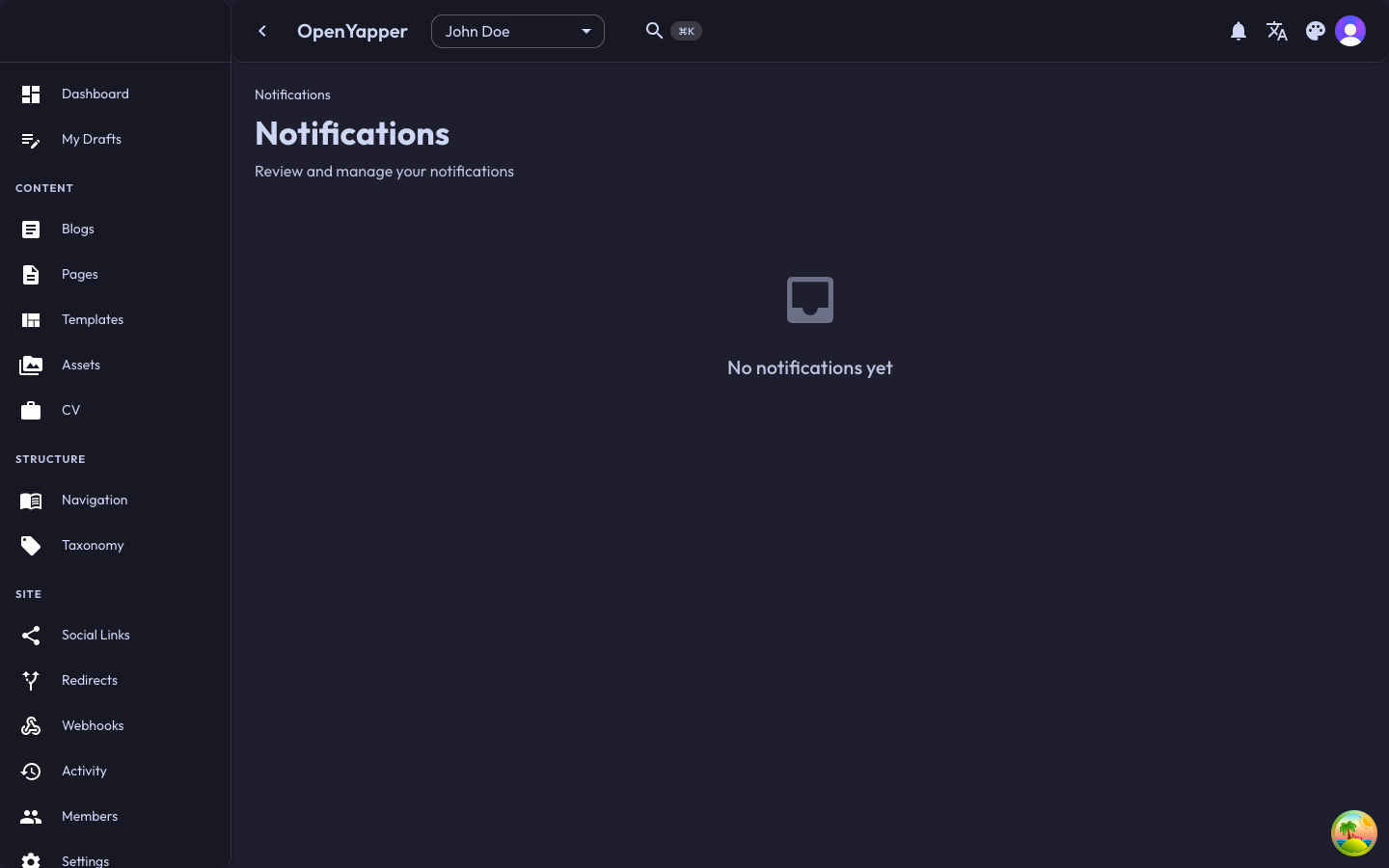
Accessing Notifications
There are two ways to access your notifications:
- Notification bell -- click the bell icon in the top bar. A badge shows the number of unread notifications.
- Notifications page -- navigate to Notifications in the sidebar for a full-page view.
Notification Types
Notifications are generated for various events:
| Event | Description |
|---|---|
| Member added | You have been added to a site. |
| Role changed | Your role on a site has been updated. |
| Content published | A post you authored or are watching has been published. |
| Webhook failure | A webhook delivery has failed repeatedly. |
| System updates | Important system-level announcements from the platform administrator. |
Notification List
The notification list shows:
| Field | Description |
|---|---|
| Icon | An icon indicating the notification type. |
| Message | A brief description of the event. |
| Timestamp | When the notification was created (relative, e.g., "5 minutes ago"). |
| Read status | Unread notifications are highlighted; read ones are dimmed. |
Notifications are sorted with the newest at the top.
Reading Notifications
- Click a notification to view its full details. If the notification relates to a specific resource (e.g., a blog post), clicking it navigates you to that resource.
- Notifications are automatically marked as read when you click them.
Marking as Read
Individual
Click on a notification to mark it as read.
Mark All as Read
Click the Mark all as read button at the top of the notification list to mark all notifications as read at once.
Notification Bell Badge
The bell icon in the top bar shows a badge with the count of unread notifications. The badge disappears when all notifications are read.
Permissions
All authenticated users can view their own notifications. Notifications are personal and cannot be viewed by other users.
| Action | Required Role |
|---|---|
| View own notifications | Any authenticated user |
| Mark as read | Any authenticated user |